
Kick Goal and Session Timer
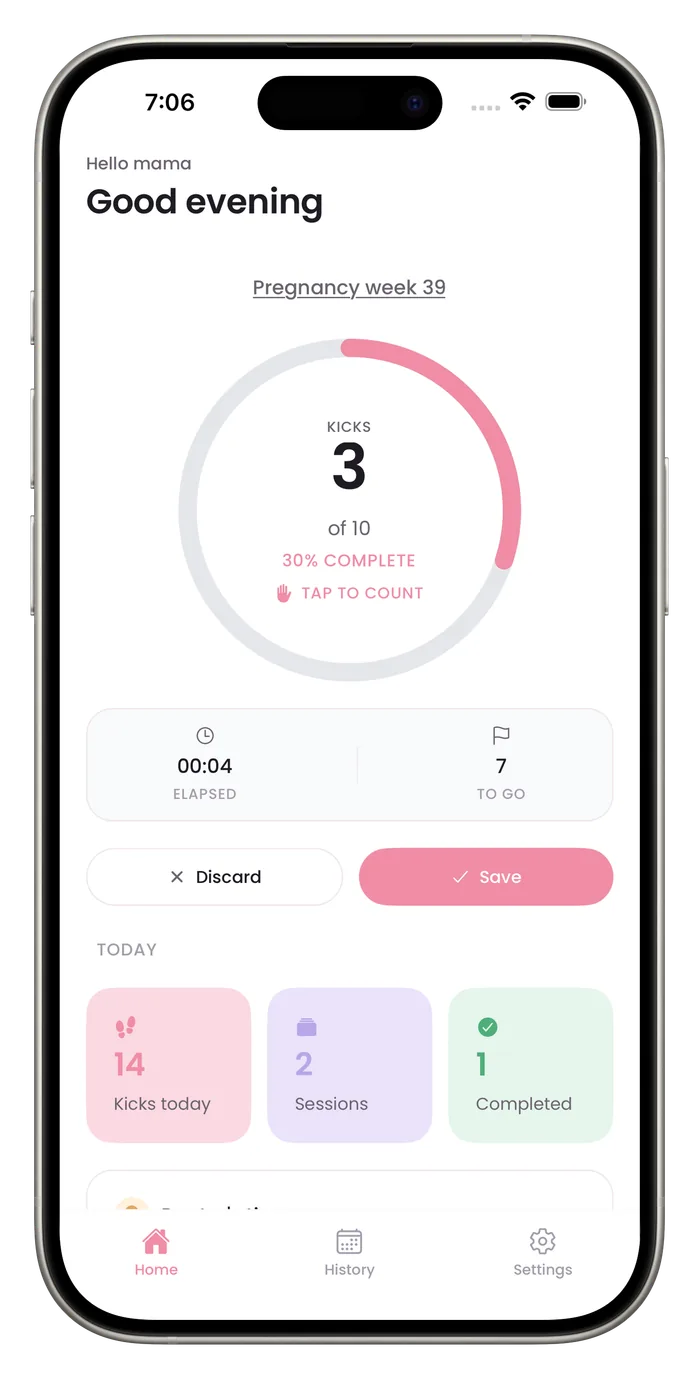
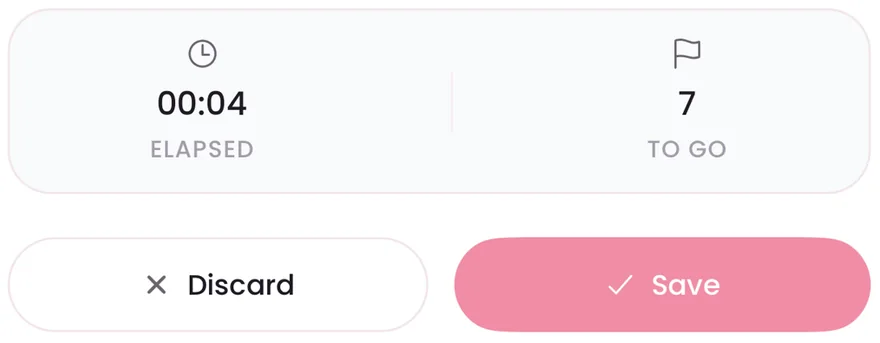
The default goal in Bumpi Kicks is 10 kicks per session, and Settings lets you change it to 8 or 12. While you count, a clock shows elapsed time and a counter shows kicks to go, so you can see how long reaching your goal took. The 10-in-2 guide explains where a goal of 10 comes from.

What you can set and see
Three goal options
Pick 8, 10 or 12 kicks per session in Settings. The default is 10.
A running clock
Elapsed time starts with your first tap and keeps running until the session ends: you tap Save or Discard, or you reach your goal and the app saves it.
Kicks to go
A counter beside the clock shows how many kicks are left to reach your goal.
Average time to goal
History shows your average time to goal across the sessions that reached it, so you can compare a session with your own usual.
Questions about this feature
Which goal should I choose?
Use the number your midwife or doctor gives you. If they haven't given you one, ask them how they want you to count. The default goal is 10.
Where do I change the goal?
Open Settings and tap Kick goal. The options are 8, 10 and 12 kicks per session.
Does counting need a subscription?
Yes. Counting needs a Bumpi Kicks Pro subscription. The App Store paywall shows the price and any free trial before you pay, and you can cancel in your iPhone settings.
Start a daily record today.
Bumpi Kicks keeps a simple log of your kick counts that you can look back on and show your care team.
Free to download. Counting needs a Pro subscription, and the App Store paywall shows the price and any free trial before you pay.