
Counting With One Hand Free
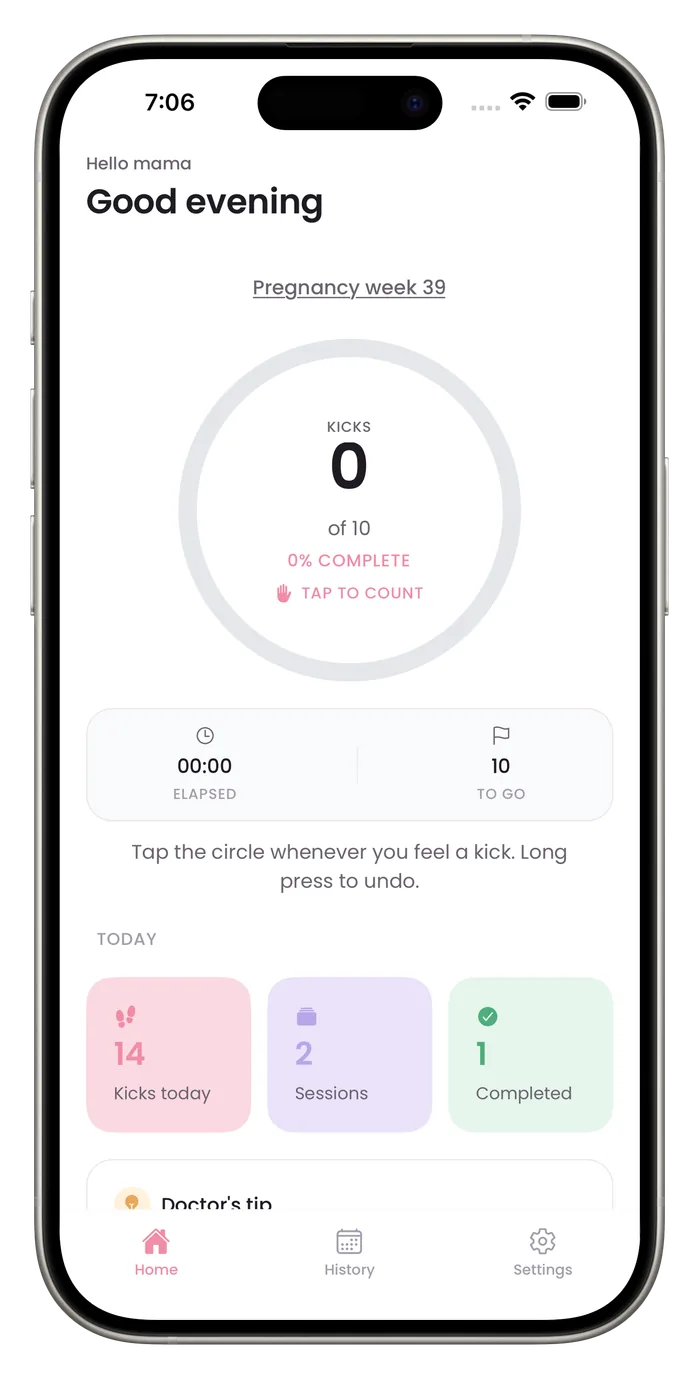
Bumpi Kicks is built around one large circle, so you can count with a thumb while the other arm is busy. Light haptic feedback confirms each tap, and a long press undoes a tap you did not mean to make. Reaching your goal saves the session, but you still need to look at the screen to save a shorter one.

What helps when your hands are full
One big tap target
The counter is a single large circle, so you don't need to aim.
Feedback you can feel
Each tap gives a light vibration, and reaching your goal gives a different one.
Undo without menus
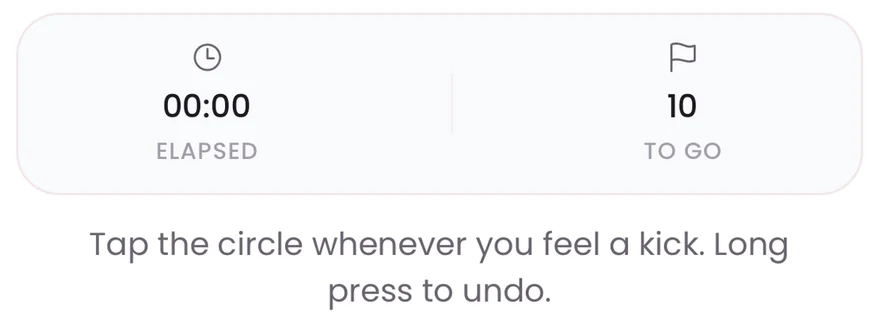
A long press on the circle removes the last tap.
An honest limit
You will still glance at the screen to check your count, and to tap Save if you stop before your goal.
Questions about this
Can I count without looking at the phone?
Mostly. The vibration on each tap lets you count by feel, and reaching your goal saves the session on its own. Look at the screen if you stop earlier. The screen can lock while you count, depending on your iPhone's Auto-Lock setting.
What if I am interrupted?
Discard the session and start again later, or save it if the count is complete. The Save and Discard buttons are on the home screen during a session.
Related to this
Start a daily record today.
Bumpi Kicks keeps a simple log of your kick counts that you can look back on and show your care team.
Free to download. Counting needs a Pro subscription, and the App Store paywall shows the price and any free trial before you pay.