
Daily Reminder
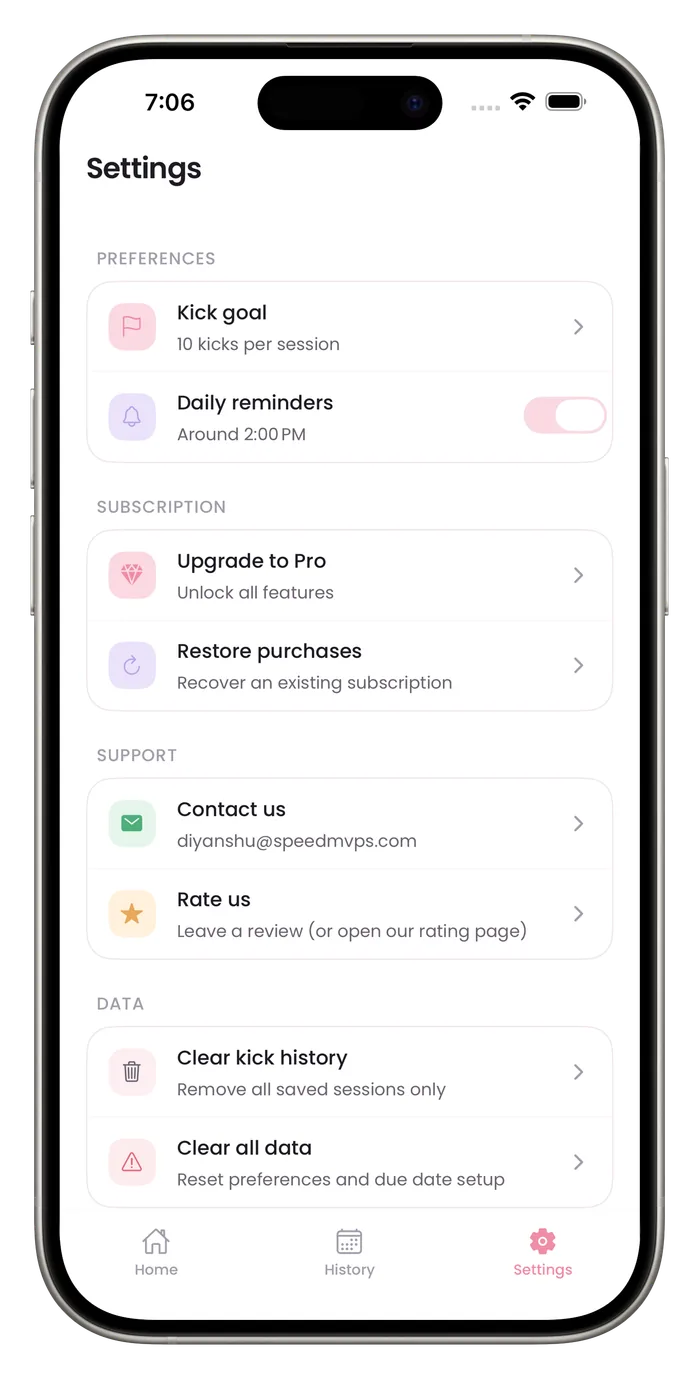
Bumpi Kicks can send one reminder a day. Turn it on in Settings, pick a time from the five options there, and turn it off the same way. The reminder is a nudge to count, and it's optional.

What to know about the reminder
One daily reminder
The daily reminder is a single notification at the time you choose. The app schedules the next two weeks of reminders each time it opens, so they stop if you do not open it for two weeks.
Five times to choose from
Settings offers 8:00 AM, 12:00 PM, 2:00 PM, 6:00 PM or 9:00 PM. Setup lets you pick any time.
Optional
Switch Daily reminders off in Settings whenever you want to count on your own schedule.
Needs notification permission
iOS asks whether Bumpi Kicks may send notifications. If you decline, the app sends none of its notifications.
Other notifications are separate
If you allow notifications, the app can also send a message before a free trial ends, a warning before a cancelled plan ends, and tips and nudges for subscribers. The Daily reminders switch controls only the daily reminder. To stop everything, turn off notifications for Bumpi Kicks in iPhone Settings.
Set the reminder
- 1
Open Settings
Tap Settings in the tab bar.
- 2
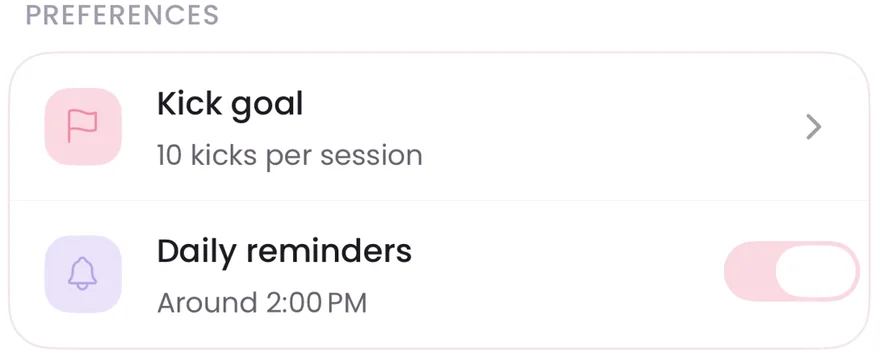
Turn on Daily reminders
Use the switch in the Preferences card.
- 3
Pick a time
Choose one of the five times offered.
- 4
Allow notifications
If iOS asks, allow notifications for Bumpi Kicks.
Questions about this feature
Can I get more than one reminder a day?
No. The app schedules one daily reminder.
Will I get any other notifications?
Possibly, if you allow notifications. The app can also send a message before a free trial ends, a warning before a cancelled plan ends, and tips and nudges if you have subscribed. These are scheduled on your phone, and the Daily reminders switch does not control them. To stop all of them, turn off notifications for Bumpi Kicks in iPhone Settings.
Why did I not get a reminder?
Check that Daily reminders is on in the app and that notifications are allowed for Bumpi Kicks in iPhone Settings. Reminders are scheduled two weeks ahead each time the app opens, so open the app if you have not for a while.
Start a daily record today.
Bumpi Kicks keeps a simple log of your kick counts that you can look back on and show your care team.
Free to download. Counting needs a Pro subscription, and the App Store paywall shows the price and any free trial before you pay.